Weather Station Buyer’s Guide: How to Choose the Right One in 2026
Weather Station Buyer’s Guide: How to Choose the Right One in 2026
A home weather station turns guesswork about the weather into your own measured data. Instead of trusting a forecast pulled from an official station 10–20 km away, a personal station logs the real temperature, humidity, wind, and rain at your address — minute by minute. This weather station buyer’s guide walks you through the main types available in 2026, the specifications that actually move the needle, and how to match a model to your home, garden, farm, school, or business — so you can buy with confidence instead of guessing from a product photo.
Why a Home Weather Station Is Worth It
The appeal is practical. Your phone’s “weather” is an average for a whole district; it has no idea that your backyard caught the wind while your neighbor’s stayed still. A wireless home weather station closes that gap.
- Local accuracy. Know the exact temperature, humidity, and rainfall where you actually live — useful for laundry, planting, and travel planning.
- Gardens and greenhouses. Soil and air conditions shift fast; a station tells you when to water, vent, or cover.
- Solar and energy. Tracking light and temperature helps estimate solar output and spot overheating.
- Smart-home triggers. Many units alert you when it drops below freezing or starts to rain, and can drive “auto-close the window” routines.
- Learning and schools. A personal weather station is a hands-on science tool that logs real data over time.
For businesses, weather stations upgrade farms, greenhouses, resorts, and outdoor event planning with on-site readings nobody has to estimate.
Types of Weather Stations
Not every station is built the same. Sorting by type is the fastest way to narrow the field.
7-in-1 Home Weather Stations
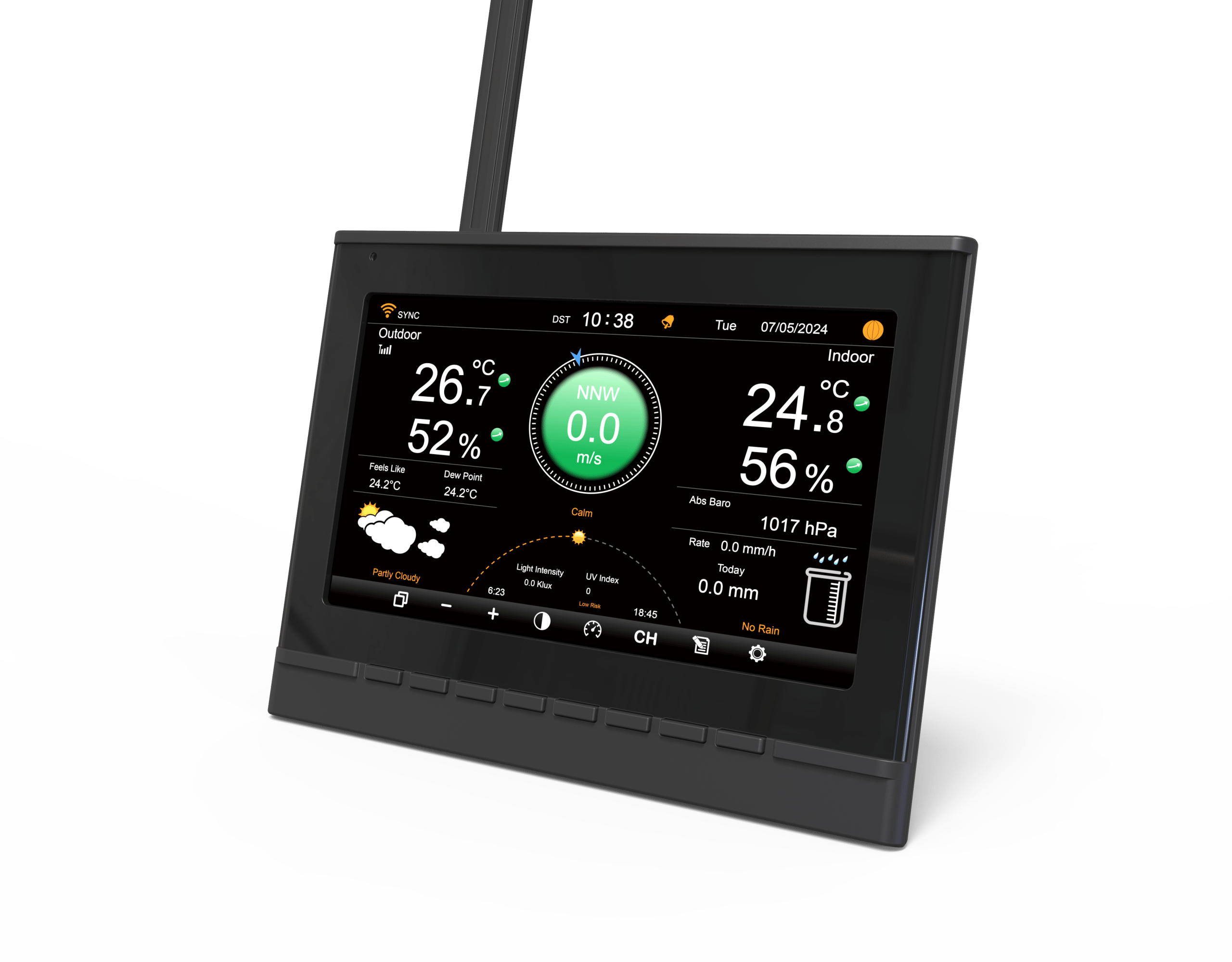
A 7-in-1 station packs the core readings — temperature, humidity, barometric pressure, wind speed, wind direction, rainfall, and light/UV — into a single outdoor sensor array. The Home Weather Station YT60277 is YOUTONG’s flagship in this class: one probe, a full local climate picture, and a color console indoors. This is the best fit for households and small farms that want a complete record without buying separate sensors.
Wireless Color-Display Stations
These pair a wireless outdoor probe with a readable indoor color LCD. Models like the Weather Station YT60186 (wireless color display), YT60109, YT60162, and YT60200 send readings to the console with no cabling, and several add app viewing over Wi-Fi. They suit a bedside or office console where “glance and read” matters more than a full sensor suite.
Weather Forecast Stations
Forecast stations add barometric-trend logic that turns pressure changes into “sunny / cloudy / rainy” icons for the hours ahead. The Weather Station YT60163 and YT60166 are built for this — best for planning the day before you step outside.
LED Clock & Weather Combos
The Weather Station YT60180 merges a large LED clock with indoor/outdoor readings, so one device handles the time and the temperature on a nightstand or workshop wall. If you want fewer gadgets, a clock combo is the tidy choice.
Entry & Home Stations
Compact, affordable indoor/outdoor stations — the YT60125, YT60128, YT60160, and YT60187 — are the right first buy for newcomers who want real local readings without a full sensor array.
What to Look for in a Weather Station
Specs can look intimidating, but only a handful genuinely change your experience.
Sensor Count and Accuracy: 7-in-1 Is the Baseline
Entry units may read only temperature and humidity. A proper home weather station usually consolidates the core readings into one outdoor 7-in-1 probe. More sensors aren’t automatically better, but having the core six stable and consistent is the floor — and wind, rain, and pressure are what separate a “thermometer” from a real station.
Connectivity: If It Can’t Reach Your Phone, You’re Limited
Prioritize Wi-Fi + app support so you get remote viewing and anomaly alerts. Some models also do Bluetooth direct-link or plug into smart-home platforms — pick based on what you already use. A weather station with WiFi lets you check the backyard from anywhere.
Display: Color LCD vs Monochrome
Indoor consoles come in monochrome or color LCD. If older family members will check it, a color screen with large fonts is the friendlier choice. A minimal app-only setup suits younger, phone-first users.
Power: Solar + Battery Means Less Hassle
The outdoor probe lives outside year-round. A solar-assisted + battery-backup design saves you from constantly swapping batteries through summer and winter.
Build and Durability: The Housing Decides Lifespan
Sensors sit in sun, rain, and wind for years. The housing’s UV resistance and aging performance directly affect how long it lasts. One rule when installing: keep the probe away from trees, walls, and buildings — open and ventilated gives the truest readings.
Data: Recording, Alerts, and Sharing
Good systems store local history and can feed public weather networks, turning your readings into part of a community forecast. That’s where the real value of a personal weather station begins.
YOUTONG Weather Station Models
YOUTONG has manufactured consumer electronics for over 24 years, with in-house R&D and dual production bases in Fujian, China and Vietnam. Our weather-station line is built for OEM and ODM partners who need reliable, certified, good-looking instruments at scale. The current lineup includes:
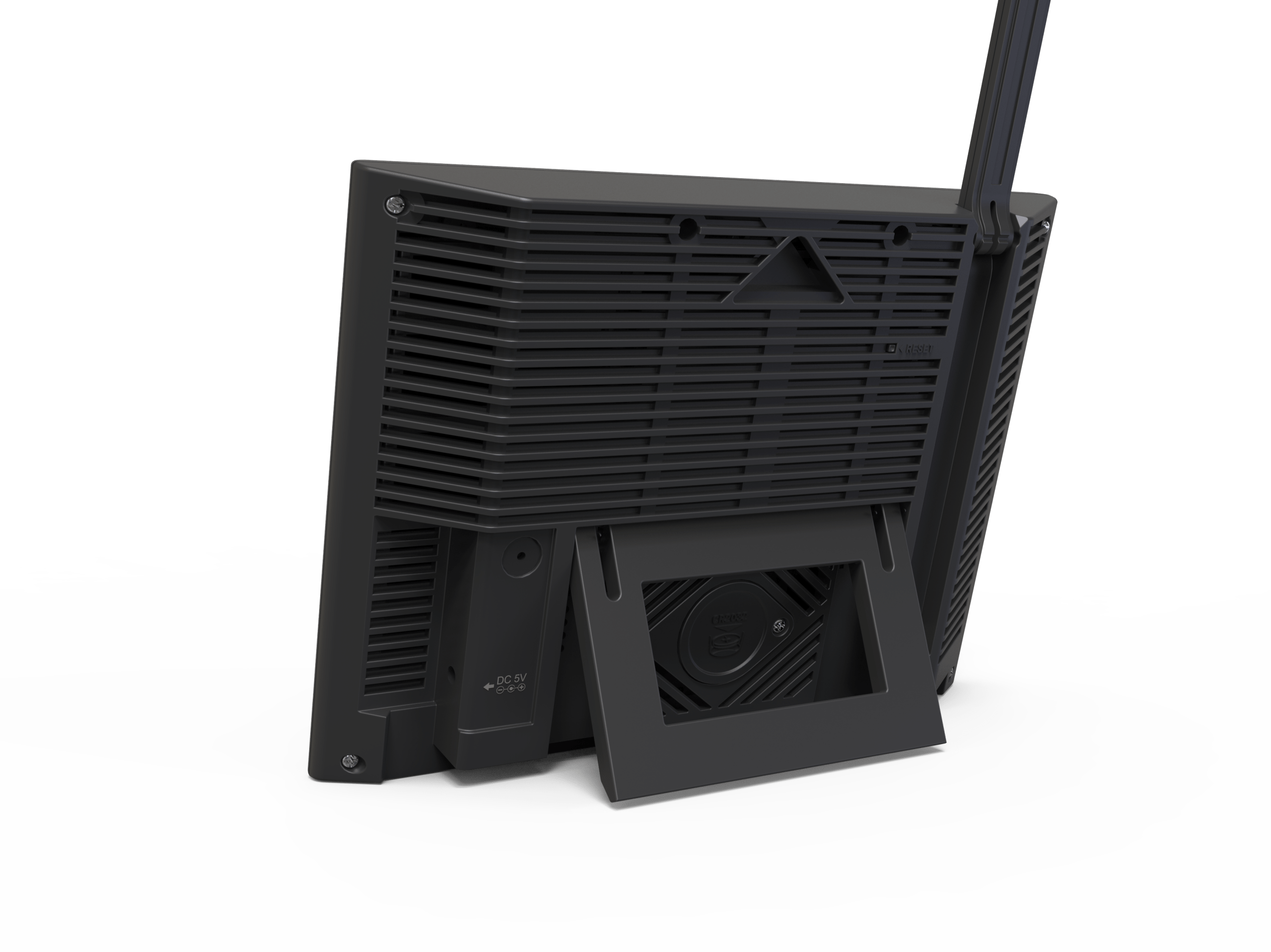
- YT60277 — 7-in-1 Home Weather Station. Full sensor array (temp, humidity, pressure, wind, rain, light, UV) with a color console. The default choice for a complete home record.
- YT60186 — Wireless Color-Display Weather Station. Wireless probe, color LCD, app-friendly reading.
- YT60109 / YT60162 / YT60200 — Wireless Weather Stations. Cable-free outdoor probes for flexible placement.
- YT60163 / YT60166 — Weather Forecast Stations. Barometric-trend forecasting icons for day-ahead planning.
- YT60180 — LED Clock & Weather Station. Large LED clock plus indoor/outdoor readings in one unit.
- YT60125 / YT60128 / YT60160 / YT60187 — Entry & Home Stations. Compact, affordable first buys.
Every model is engineered for stable sensing and broad compatibility, and the range scales from small batches to full production runs for global retailers. Facilities are ISO-certified, and products comply with CE / FCC / RoHS / REACH, with documentation provided per order. For samples, MOQ, or bulk pricing, contact us.
Matching a Station to Your Scenario
- Home & garden: Choose a 7-in-1 station (YT60277) or a wireless color model (YT60186) — you want the full local picture.
- Apartment or balcony: A wireless station (YT60109 / YT60162 / YT60200) with a small probe fits tight spaces.
- Small farm or greenhouse: A 7-in-1 station plus forecast models (YT60163 / YT60166) supports irrigation and venting decisions.
- School or education: Any station doubles as a live science dataset; pick a color console for classroom visibility.
- Business or hospitality: Clock combos (YT60180) and forecast stations suit lobbies, resorts, and event planning.
How to Choose: A Quick Weather Station Checklist
Still deciding? Walk through this five-step checklist and the right model becomes obvious. It also answers the most common “how to choose a weather station” questions in one glance:
| Step | Question to answer | If yes, consider |
|---|---|---|
| 1 | Do you want wind, rain, and pressure — not just temperature? | A 7-in-1 home weather station (YT60277) |
| 2 | Is your space tight (apartment, balcony, nightstand)? | A wireless or LED-clock station (YT60109 / YT60180) |
| 3 | Do you want day-ahead forecast icons? | A weather forecast station (YT60163 / YT60166) |
| 4 | Do you want to check readings from your phone? | A weather station with WiFi / app support |
| 5 | Is this your first station on a budget? | An entry home station (YT60125 / YT60128 / YT60187) |
This simple flow turns a vague “best weather station 2026” search into a confident purchase. Match your answers to the YOUTONG models above and you get a device that fits your real routine — not just a photo that looks good.
Common Weather Station Mistakes
- Buying too few sensors. A temperature-only unit isn’t a station; you miss wind, rain, and pressure that explain why the weather shifts.
- Ignoring Wi-Fi/app needs. If remote viewing matters, confirm the model supports it before buying.
- Poor probe placement. Mounting near a wall, tree, or AC unit skews every reading. Open, ventilated, and shaded is the rule.
- Forgetting outdoor power. A probe without solar assist means frequent battery swaps — choose solar + backup.
- Choosing cheap housing. UV-fragile plastic cracks and yellows within a season; housing quality is lifespan.
Caring for Your Weather Station
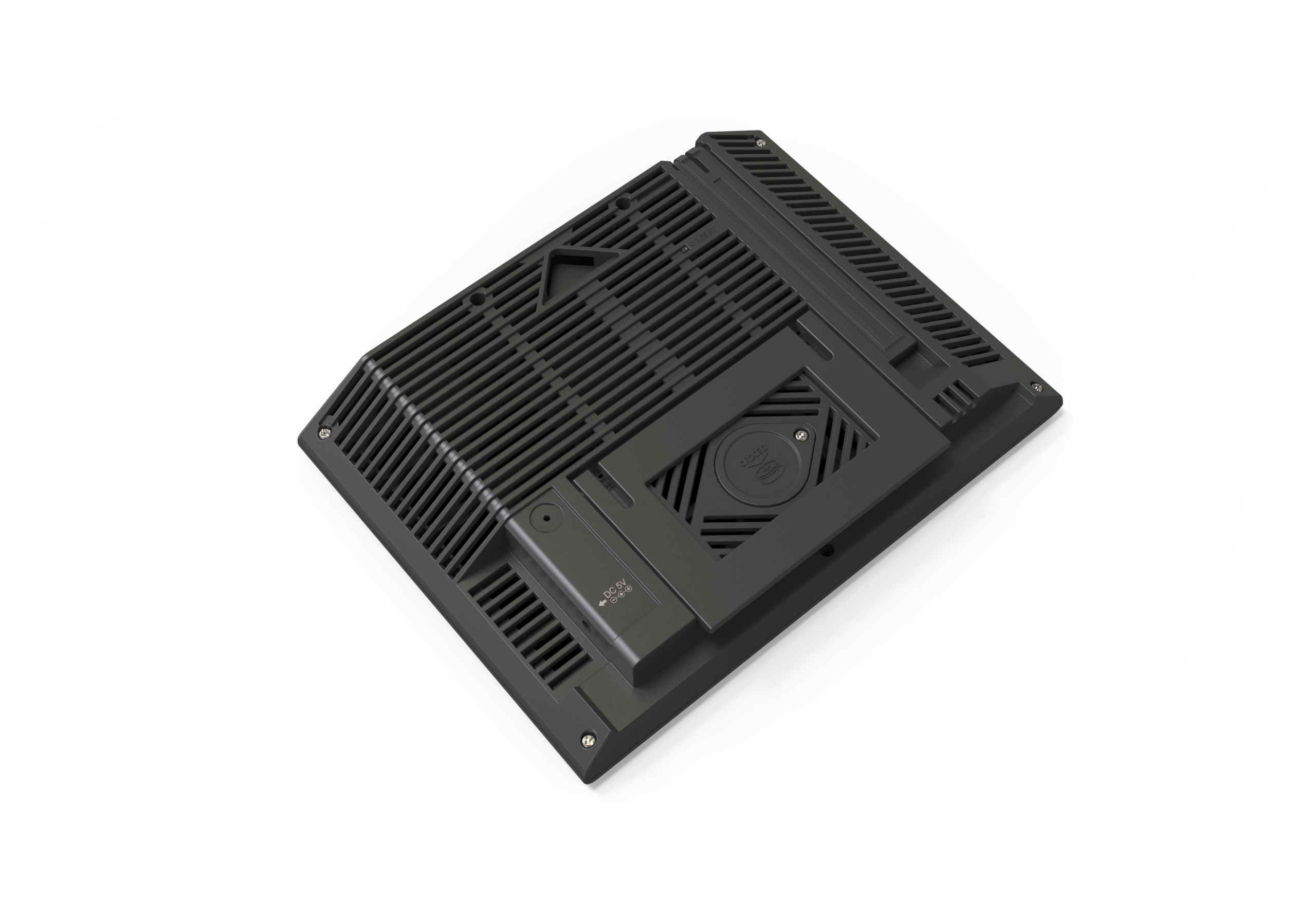
Mount the outdoor probe where it gets open sky and airflow, but not direct midday sun on the sensor. Check and replace batteries on a schedule (solar-assist models need far less). Wipe the rain collector and solar panel occasionally so readings stay clean. With basic care, a quality wireless weather station will log accurate data for years.
Final Thoughts
The right weather station is the one that matches your real environment and your real questions. If you want the complete local picture, the 7-in-1 Home Weather Station YT60277 is the clear winner. If your space is tight, a wireless or clock-combo model earns its place on the nightstand. And if you plan your day around the sky, a forecast station such as the YT60163 or YT60166 removes the guesswork.
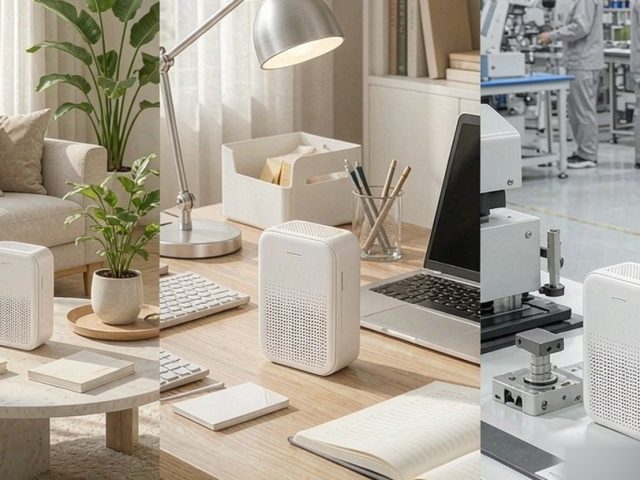
YOUTONG’s dual-factory, in-house-R&D backbone — the same strength behind our Digital Clock and Air Quality Monitor lines — means our weather stations are built for consistent quality at any volume. Browse the full range in our weather station category, or contact us to discuss OEM/ODM specifications, MOQ, and lead times for your market.
More Buying Guides from YOUTONG
A weather station rarely travels alone. If you are kitting out a home, classroom, or retail line, these related guides help you build a complete setup — and they are all built on the same OEM/ODM quality backbone:
- Weather Stations — indoor/outdoor stations and forecasters for home and B2B buyers.
- Digital Clocks — alarm and desk clocks, including models with built-in charging.
- Air Quality Monitors — PM2.5, CO₂, and humidity trackers for healthier rooms.
- DAB / FM Radios — portable and tabletop radios for every market.
- Thermometer & Hygrometers — precision temperature and humidity instruments.
Need OEM/ODM specs, MOQ, or bulk pricing across any category? Contact us.
Frequently Asked Questions
Q: Can a home weather station connect to my phone?
Yes. Most modern units — including YOUTONG’s wireless and Wi-Fi models — support an app, letting you view temperature, humidity, wind, rainfall, and more in real time, plus receive alerts when something’s off.
Q: Does a wireless weather station need wiring?
No. The outdoor sensor and indoor console (or your phone) talk wirelessly. Installation is just mounting the probe and powering it — no messy cabling.
Q: How much does a home weather station cost?
It varies widely. Basic temp/humidity models are the most affordable; mid-range units with a 7-in-1 sensor, color screen, and app control are the mainstream choice; professional-grade models with extended sensors and higher precision sit at the top. Price tracks sensor count and accuracy.
Q: What’s the difference between a 7-in-1 and a basic station?
A 7-in-1 station reads temperature, humidity, pressure, wind speed, wind direction, rainfall, and light/UV from one outdoor probe. A basic station usually covers only temperature and humidity. The extra sensors are what turn a thermometer into a real weather station.
Q: Where should I install the outdoor sensor?
Mount it in an open, ventilated spot away from trees, walls, and buildings, ideally with indirect light and clear sky view. Good placement is the single biggest factor in accurate, trustworthy readings.